ASL Browser Extension Verse Selector Project
In an ASL class at BYU, we were discussing the Church's (the Church of Jesus Christ of Latter-day-Saints) scripture videos, analyzing how the captured sign has evolved. My professor also showed us how difficult using the Church's scripture videos are. Compared with another religion where a user could easily select the chapter and verse and easily jump to a video location, the videos on the Church's site had no such option. A couple of days later looking for a break from my other class assignments, I decided to attempt making a browser extension to make the signed scriptures more accessible for LDS Deaf/HH people using the videos.
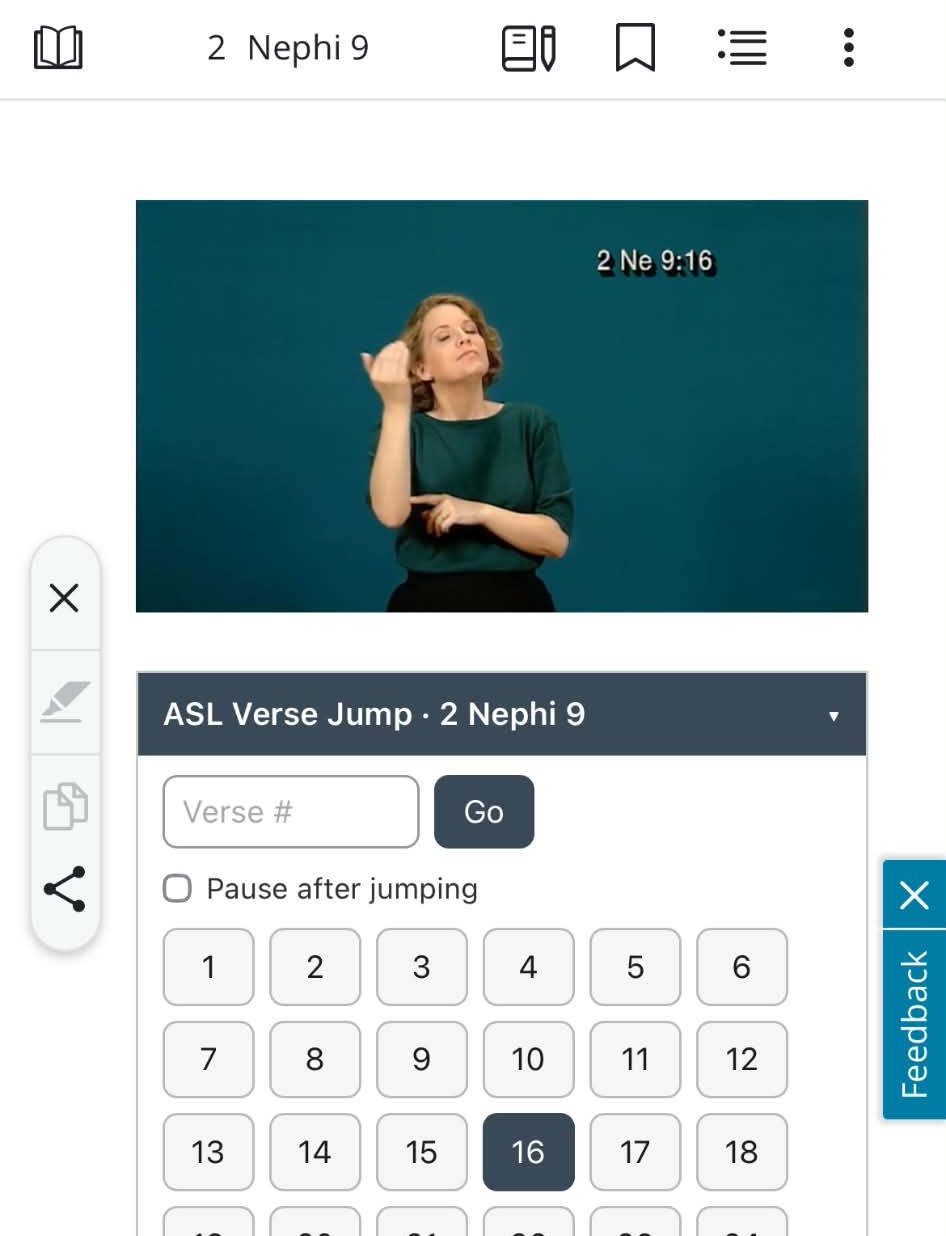
Using Claude, I was able to build a python script running OCR on the part of the video with the signed verses. The script generated a dictionary file associating each verse in each chapter with a particular timestamp. Then I created the front end using the dictionary.
Setup ASL Instruction Videos
Excuse any signing mistakes, I'm not the most fluent but am working on it!
Desktop
- Select either Firefox or Chrome extension depending on your browser.
- Select "add to chrome" or "add to firefox"
- Navigate to the Church's Book of Mormon or Doctrine and Covenants scriptures
- Change the language to ASL. (You can change the last three letters in the URL from lang=eng to lang=ase)
- Right above the chapter below the video, you'll see the verses pop up
Sometimes on desktop the videos are slow to load. The best solution is select somewhere on the timeline in the video near the verse you want, then select the verse. That usually helps the video load faster. This bug isn't something I can fix, it has to do with the church's infrastructure.
Mobile (Apple Devices)
- Download Orion Browser by kagi
- Open up this webpage
- Select either Chrome or firefox extension. They both work inside of Orion
- Navigate to a chapter or section in ASL
- You'll see the browser extension pop up
Unlike desktop, Orion is fantastic and the videos are almost instant to load.
Demo Chrome Setup
Watch VideoDemo iPhone/iPad Setup
Watch VideoNote, AI was used in image displayed on the right.
Here's my GitHub repository: ASL Scripture Navigation Link